A customer asks for a product. Your salesperson says yes. Then the warehouse team checks three WhatsApp chats, an old spreadsheet and a paper register before discovering the item went out of stock last week.
Stock-outs do not only lose one sale. They weaken trust, delay delivery and send buyers to the competitor. A simple reorder rhythm helps Indian SMEs see what is low before it becomes an urgent phone call.
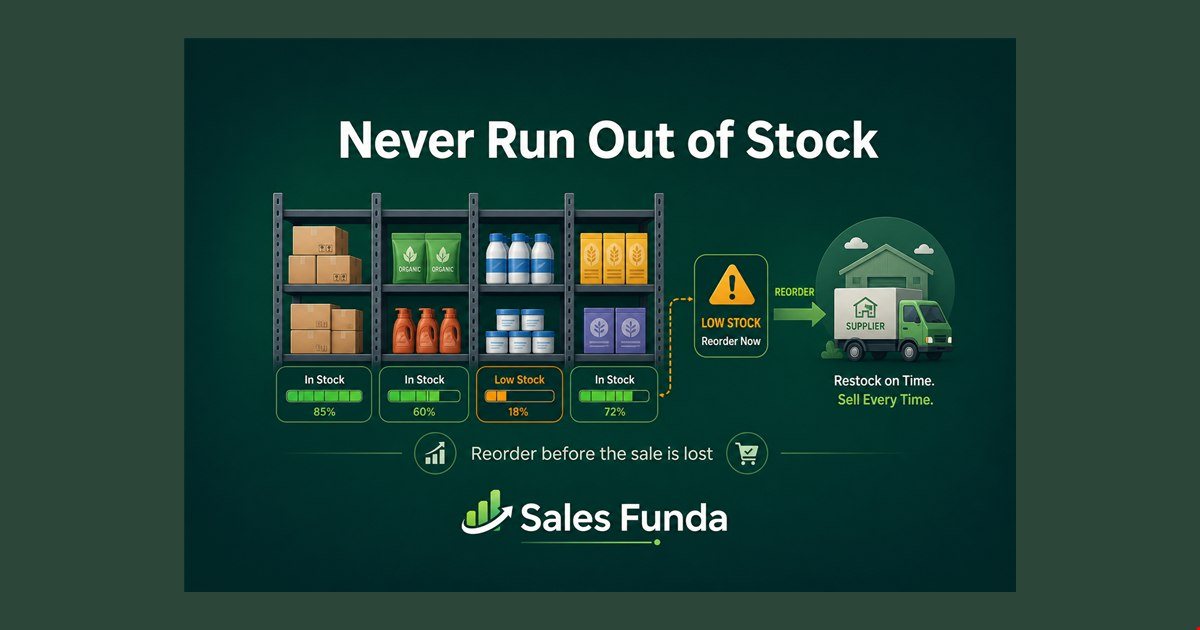
Why stock-outs happen quietly
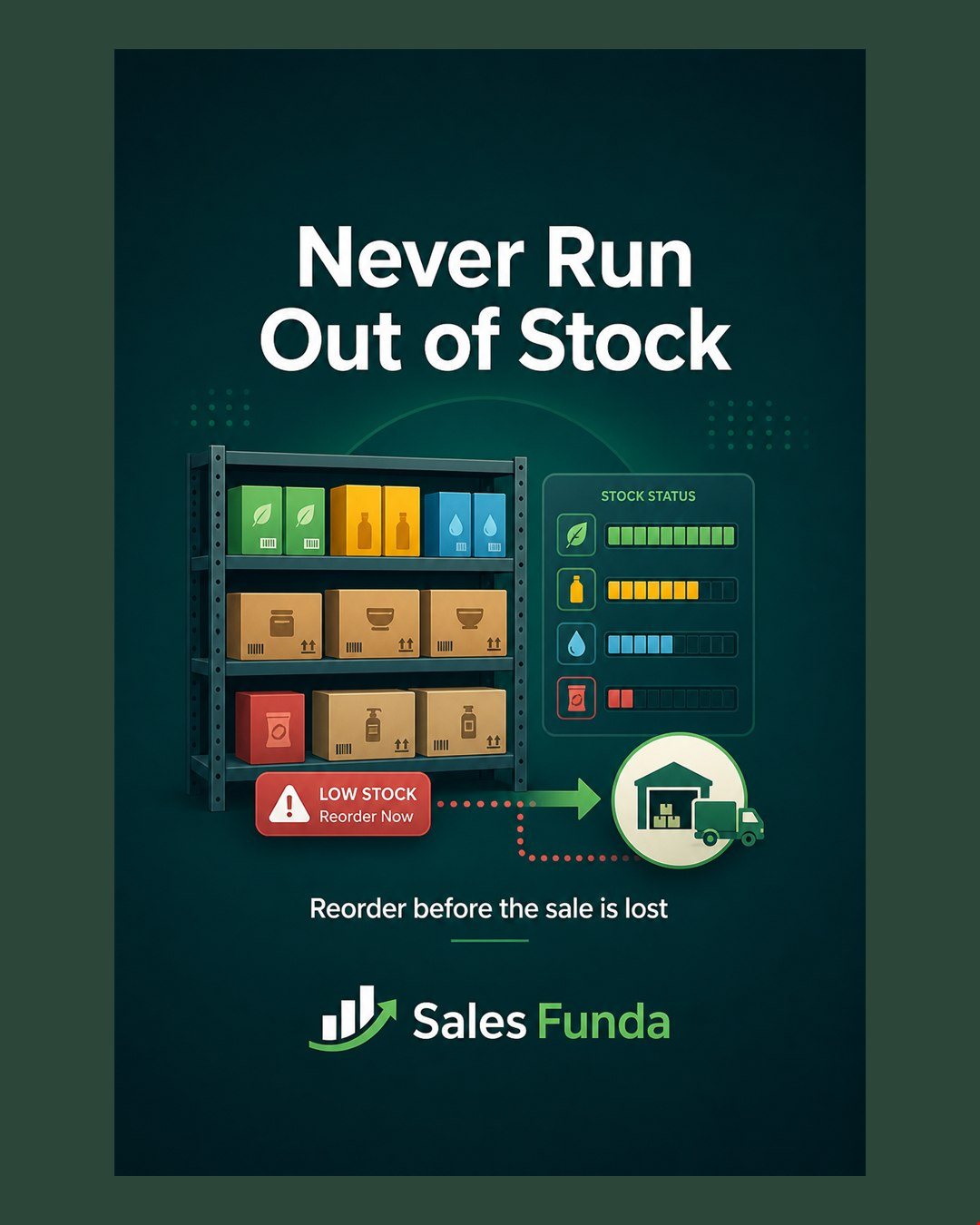 Most inventory problems start with four visibility gaps:
- No live stock view - sales promises availability without checking the latest movement
- No reorder point - the team notices low stock only after the shelf is empty
- Purchase disconnected from sales - buying decisions ignore current enquiries and delivery commitments
- Slow-moving stock hidden - cash remains locked in items nobody is asking for
The answer is not buying more of everything. It is knowing what to reorder, when to reorder it and why.
A 5-step inventory reorder rhythm
- Set the minimum level - define the buffer for each fast-moving product
- Watch committed stock - include open quotations, sales orders and pending dispatches
- Review low-stock items daily - separate urgent replenishment from routine buying
- Raise the purchase request - use supplier, lead time and expected demand before ordering
- Close the loop at receipt - update received quantity, batch or serial details and available stock
This turns inventory from a month-end surprise into a small daily operating habit.
What managers should see
A useful stock view answers practical questions quickly:
- Which products are below reorder level right now?
- What is already ordered and when is it expected?
- Which open enquiry or quotation may consume the remaining stock?
- Which items have been sitting too long without movement?
When sales, purchase and warehouse teams use the same record, a manager can act before a stock-out becomes a customer complaint.
How Sales Funda® supports this
Sales Funda® connects enquiries, quotations, purchase, stock, delivery and invoicing in one operational timeline:
- Check available stock while preparing a quotation
- Track purchase receipts and stock movement against products
- See delivery and installation commitments before promising a date
- Keep customer, supplier and product history together
- SF Astra can help draft stock and purchase follow-ups in Hindi or English
Want to see the workflow on your data? Book a demo or explore Sales Funda®.