Delivery & Installation
Deliver and install what you sold - without losing the sales context.
Field and operations teams see the commercial record that led to the job: products, customer, and what still needs installation after delivery.
How work flows
From warehouse out to installed asset
- Delivery Challan (DC)Issue challans as the outward document from inventory.
- Work OrderIssue internal work instructions with products, services and address.
- Pending InstallationsSee serialised products delivered but not yet installed.
- Assign engineerAssign installation engineers from reports / assignment screens.
Why is this different from a CRM task list?
Delivery and installation sit on operational documents - challan, work order, installation status - not only activity notes in a pipeline.
Example: AC dealer
After tax invoice, warehouse issues a delivery challan. Pending installations shows units waiting on site. The service head assigns an engineer, then after-sales continues into warranty and AMC.
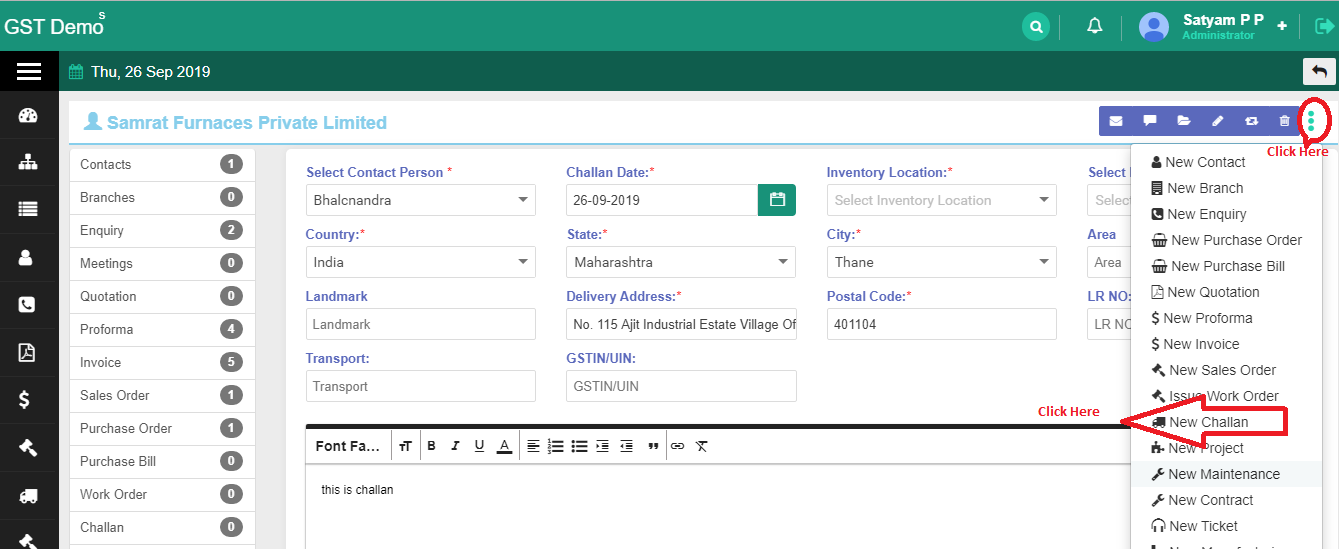
Delivery challan
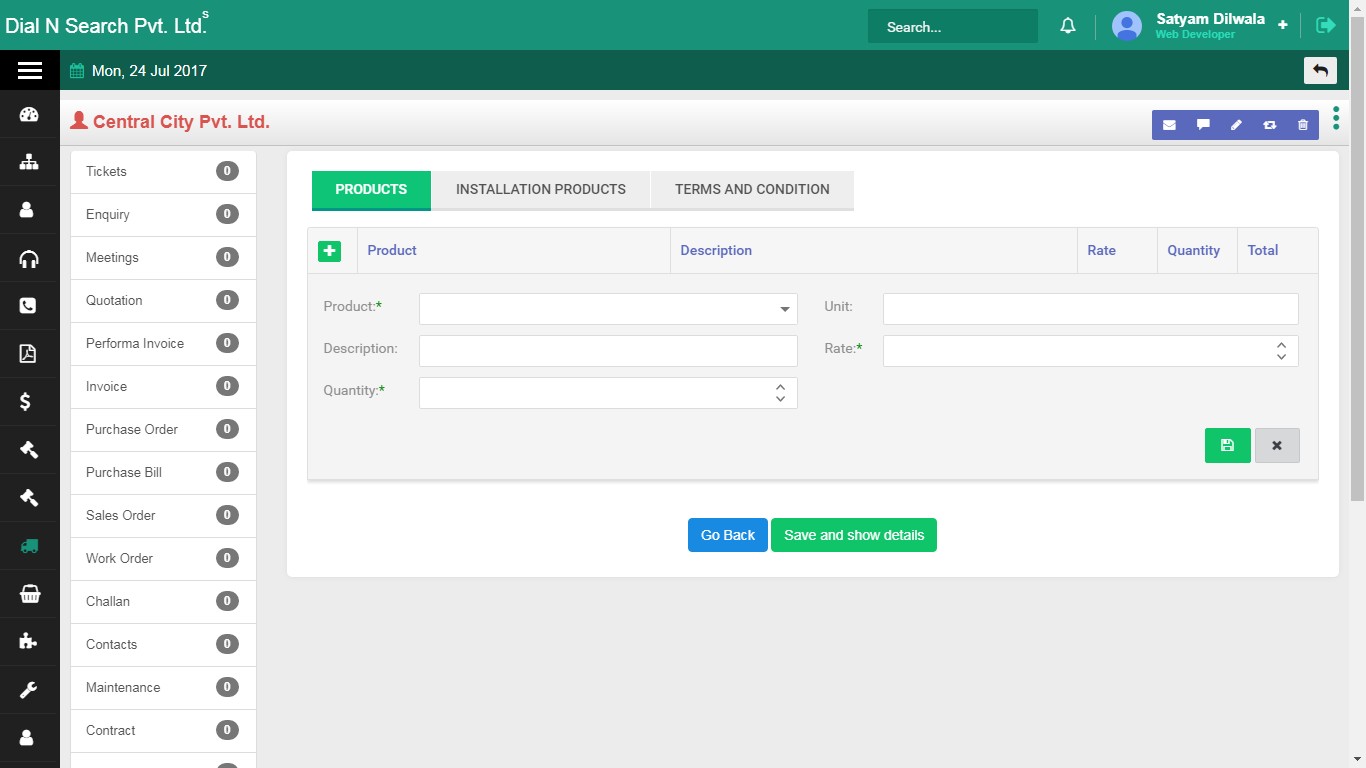
Challan detail view
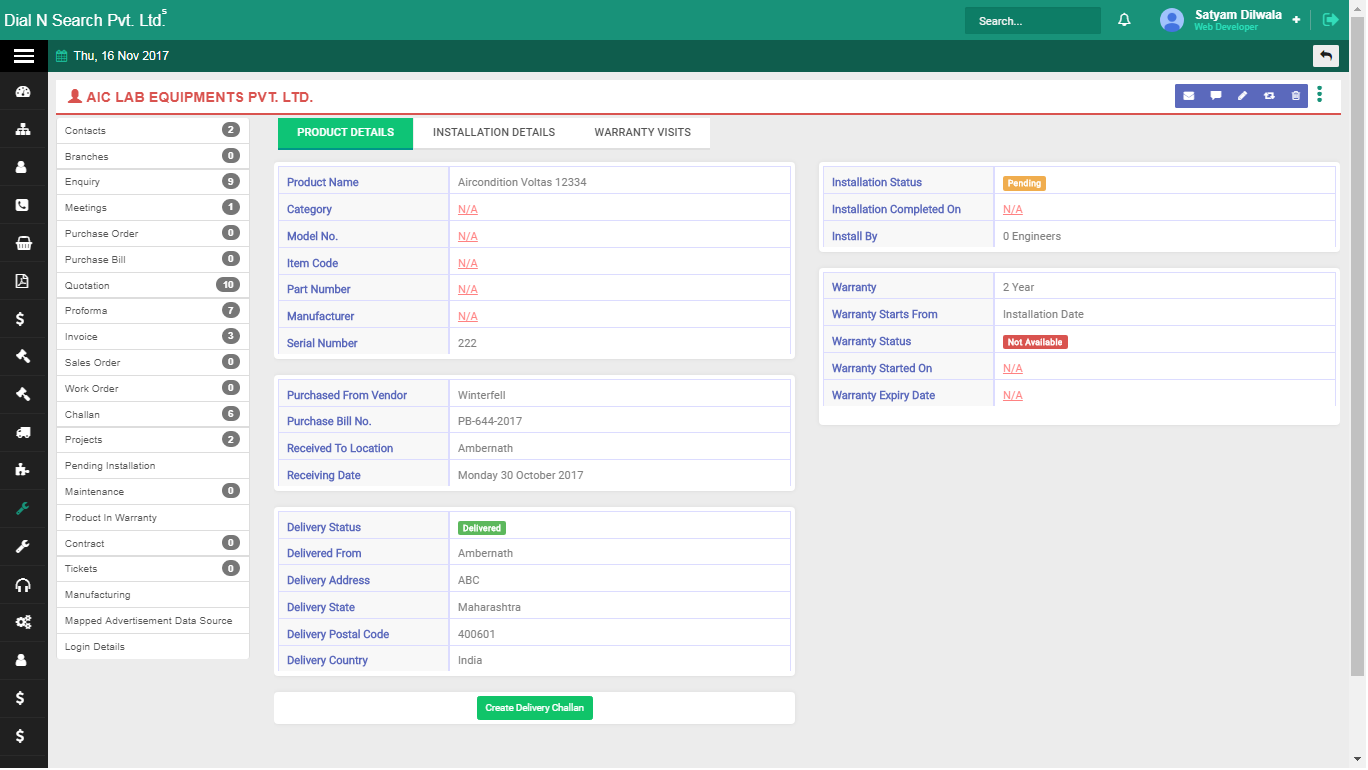
Pending installations
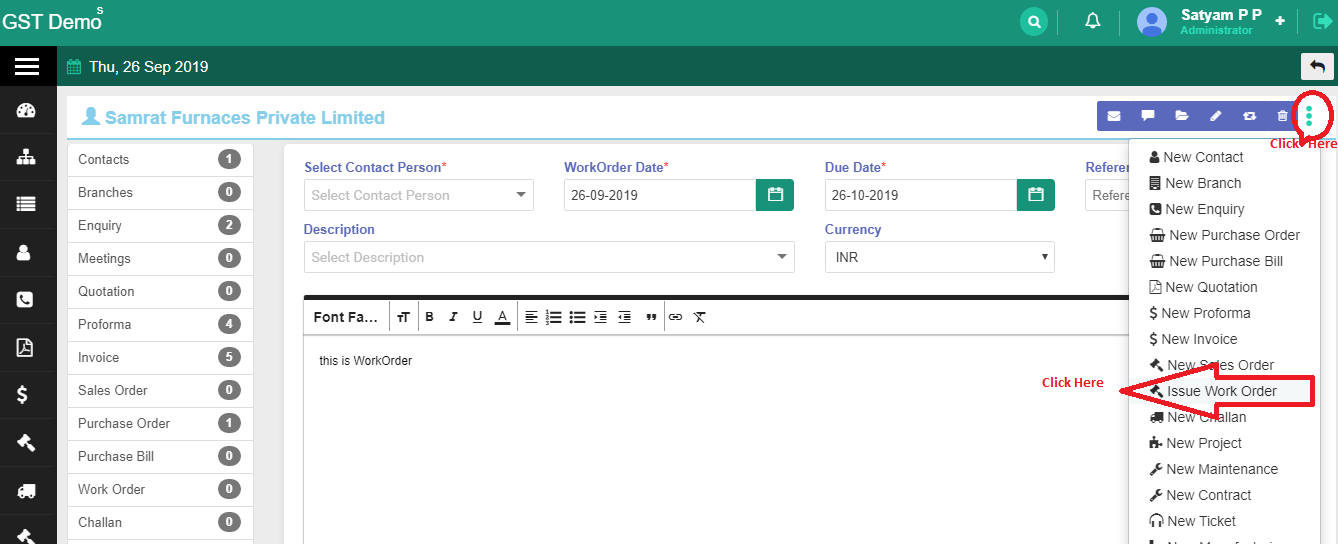
Work order
Connected modules
Continue the lifecycle
See delivery & installation in a demo
We will show challan → pending installation → service continuity on real screens.