The store manager called the supplier. Rate agreed on phone. Material arrived three days later - wrong quantity, old price, no GST break-up. Accounts paid anyway because production could not wait.
Phone-only buying feels fast until the bill does not match what anyone remembers. Indian SMEs need a written purchase order before goods move - with rate, quantity, delivery date and supplier GST visible to purchase, store and accounts.
Without a PO, stock updates happen in one notebook, supplier bills in another, and month-end becomes a reconciliation argument nobody wins.
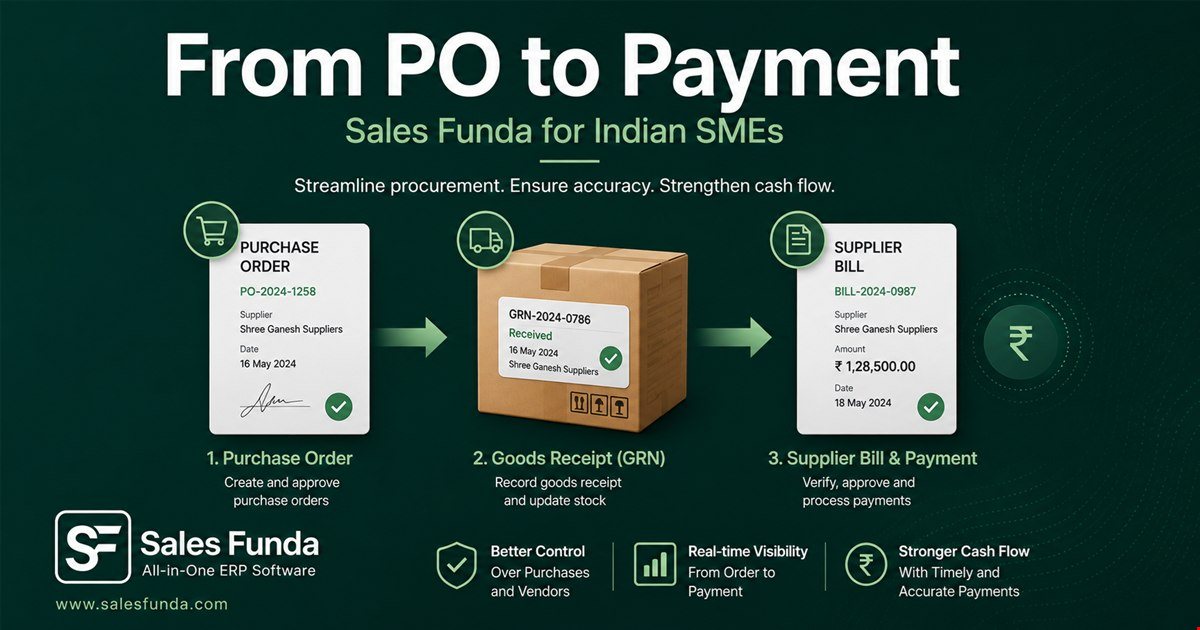
Most purchase problems do not start at the bill. They start when nobody wrote down what was ordered, who approved it, and what rate was valid on that date.
A light PO habit does not slow buying down. It gives store a receipt checklist, gives accounts a match against the supplier invoice, and gives owners an audit trail when margins shrink.
Why purchases go wrong
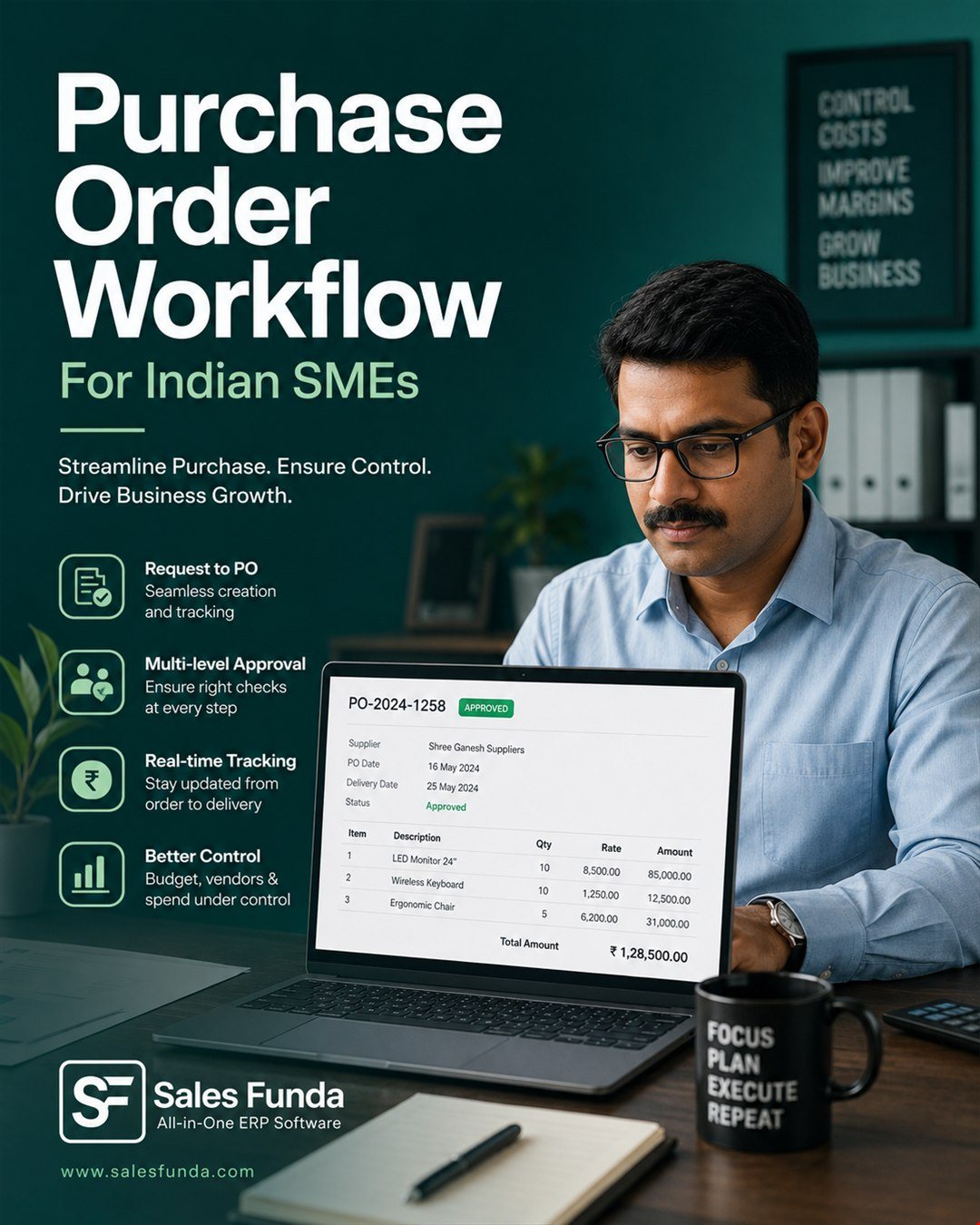 Four gaps show up in almost every purchase desk:
- No written PO before dispatch - verbal orders change between call and delivery
- Rate not locked to date - supplier bill uses today's price, not order date
- GRN without PO reference - store accepts whatever arrives; accounts finds out later
- No approval on high-value buys - anyone can order; nobody owns the margin impact
Purchase control improves when PO, receipt and bill sit on one timeline - not three WhatsApp threads.
A 5-step PO rhythm
- Raise PO from approved need - reorder alert, job material or sales order shortfall - with item, qty and target rate
- Route approval by value - owner or manager sign-off above a threshold before supplier dispatch
- Send PO to supplier - PDF or email with delivery date, GSTIN and ship-to branch
- Receive against PO (GRN) - store logs accepted qty only; short or excess flagged on the same record
- Match bill to PO and GRN - accounts pays when rate, qty and tax line up - or logs a dispute with reason
When GRN quantity differs from the bill, the conversation starts with facts - not memory.
What managers should see
A useful purchase view answers:
- Which POs are open and overdue for delivery?
- Which GRNs are waiting for supplier bills?
- Where did actual rate exceed the approved PO rate?
- Which suppliers consistently deliver short or late?
One pipeline beats a folder of PDFs and a shared purchase register.
How Sales Funda® supports this
Sales Funda® connects purchase order, goods receipt and supplier billing:
- PO raised from stock reorder or manual need with supplier rate history
- Approval status visible before the order goes out
- GRN receive lines linked to the same PO - partial receipts supported
- Purchase bill conversion when GRN and supplier invoice match
- Reports for open POs, pending GRN and purchase variance by supplier
Want to see purchase on your data? Book a demo or explore Sales Funda® ERP.