Most teams do not need another login or another AI toy. They need help inside the work they already do in Sales Funda®: enquiries, follow-ups, quotations, invoices, stock checks and service tickets.
SF Astra is that help - an AI assistant built for Sales Funda®. Same user. Same rights your organisation admin already assigned. Hindi and English. Open it at astra.salesfundaa.com.
What SF Astra is (and is not)

SF Astra is not a separate CRM. It sits on the Sales Funda® account your team already uses for sales, billing, purchase, inventory, expenses, delivery, installation, service and AMC.
You sign in with the QR from your live Sales Funda® tenant. Astra can only do what that signed-in user is already allowed to do. When the Sales Funda® session ends, Astra access ends too.
That design matters for Indian SMEs: AI stays useful without becoming a permissions risk.
Same account, same permissions

Organisation admins already decide who can see rates, approve quotations, raise purchase orders or close complaints. SF Astra does not bypass those rules.
- Ask about pipeline, overdue follow-ups or stock in plain language
- Draft payment reminders, invoice notes or GST follow-ups
- Use Confirm mode so nothing is sent until someone on your team approves it
- Keep WhatsApp and Gmail actions inside the same guarded workflow
If a user cannot raise a PO in Sales Funda®, Astra will not invent that right for them.
Day-to-day work Astra can speed up

Teams use SF Astra where typing and searching burn the most time:
- Visiting-card capture - name, mobile, email, company, city, GSTIN - you check before save
- Skills and prompts - playbooks such as payment reminders, PO checklists and GST follow-up
- Module help - enquiry, invoice, purchase, expense, challan, AMC - whatever that user can already open
- Bilingual ops - ask in Hindi or English the way your floor already talks
The point is not flashy demos. The point is fewer tabs, fewer copy-paste mistakes, and faster hand-offs between sales and accounts.
Where SF Astra fits in your stack
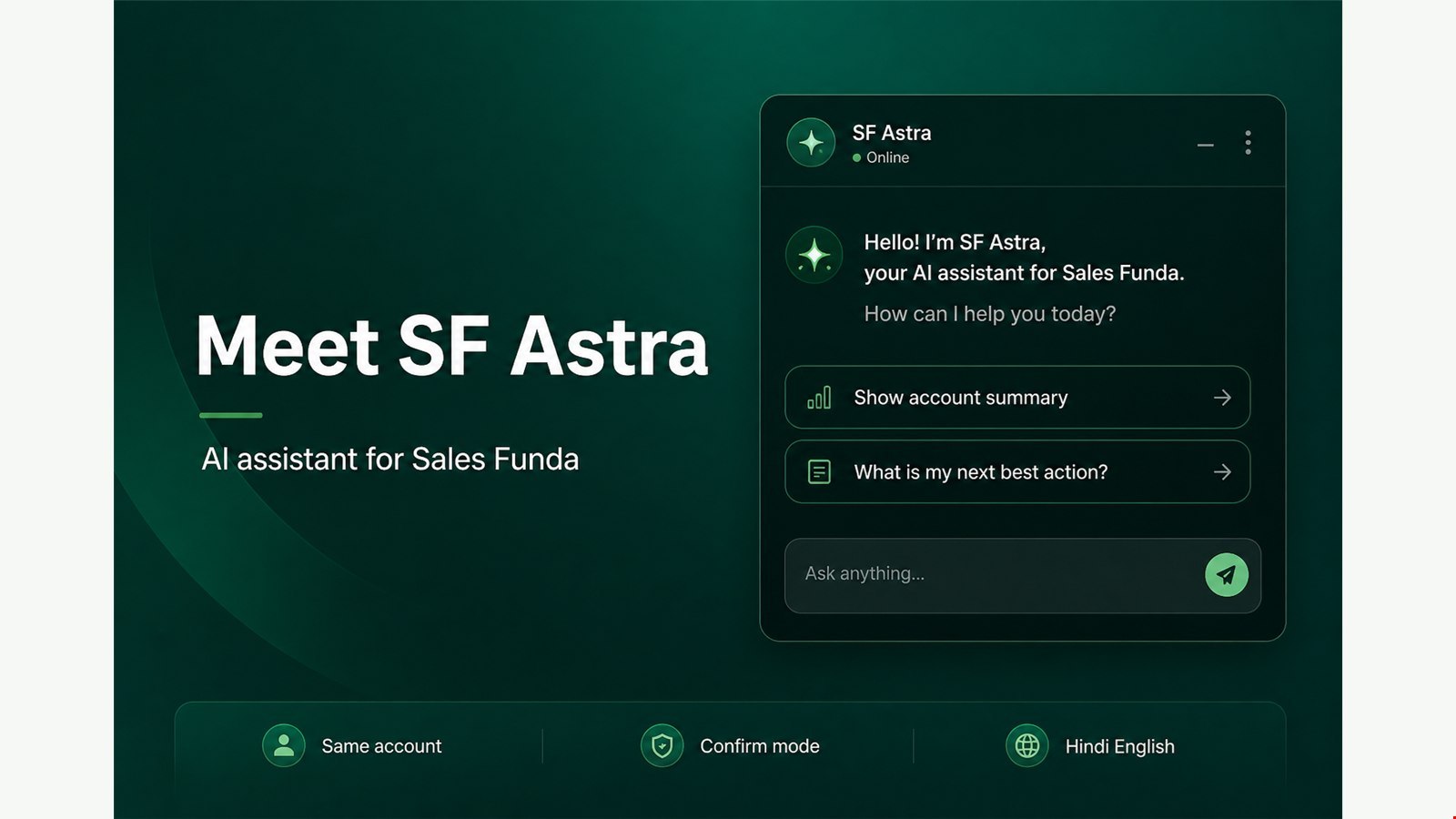
Sales Funda® remains the system of record. SF Astra is the assistant on top of that record - useful for owners, sales managers, telecallers and service desks who already live in the product.
If you are evaluating AI for CRM or ERP, start here: one product account, one permission model, one operational trail from enquiry to AMC.
Try SF Astra on your tenant
- Sign in to your Sales Funda® domain
- Open astra.salesfundaa.com
- Scan the QR from your tenant - do not create a separate Astra user
- Ask something real: overdue follow-ups, a draft reminder, or a stock check
Want a walkthrough on your own data shape? Book a Sales Funda® demo, read how SF Astra sign-in works, or explore Sales Funda® CRM.